Table of Contents
Sign Up (Create a New Account) #

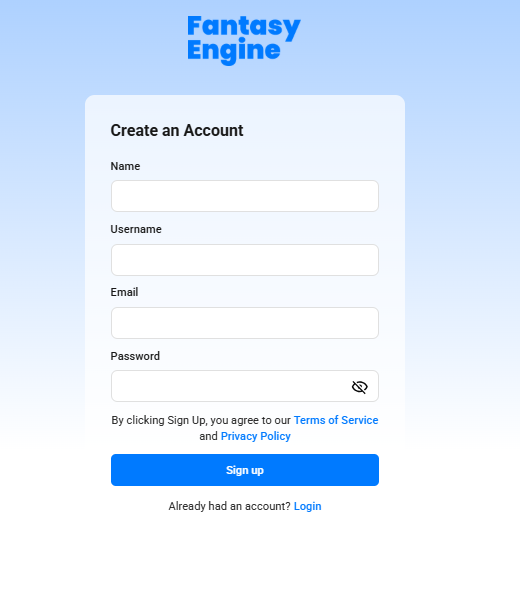
- Go to the Fantasy Engine website.
- Click Join Now on the homepage or login screen.
- Enter the required details:
- Name
- Username
- Password
- Review and agree to the Terms of Service and Privacy Policy.
- Click Sign up to complete your registration.
- Once registration is successful, you can log in using your email and password.
Log In (Existing Account) #
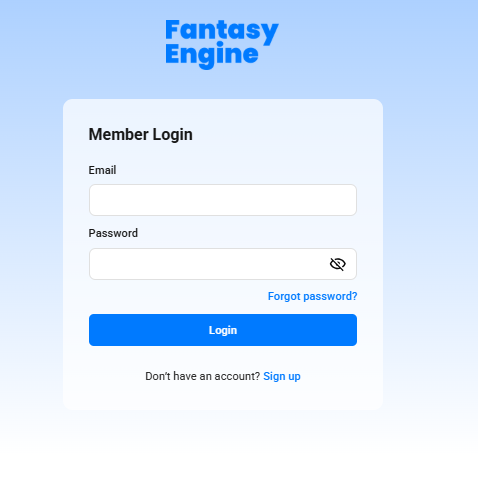
- Visit the Fantasy Engine website.
- Click Login.
- Enter your Email and Password.
- Click Login to access your account.
If you forget your password, select Forgot password? and follow the on-screen instructions to reset it.