
In the Profile section, you can update your public and personal details.
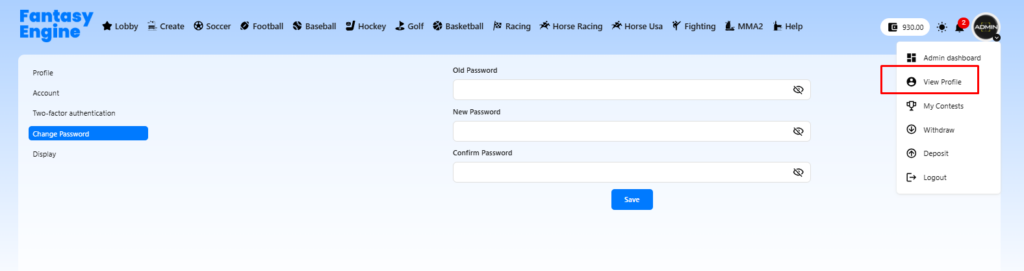
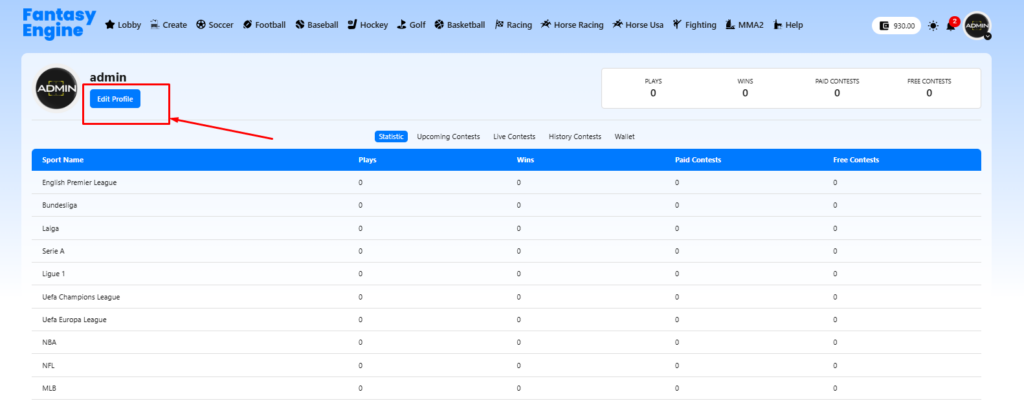
Profile Information #
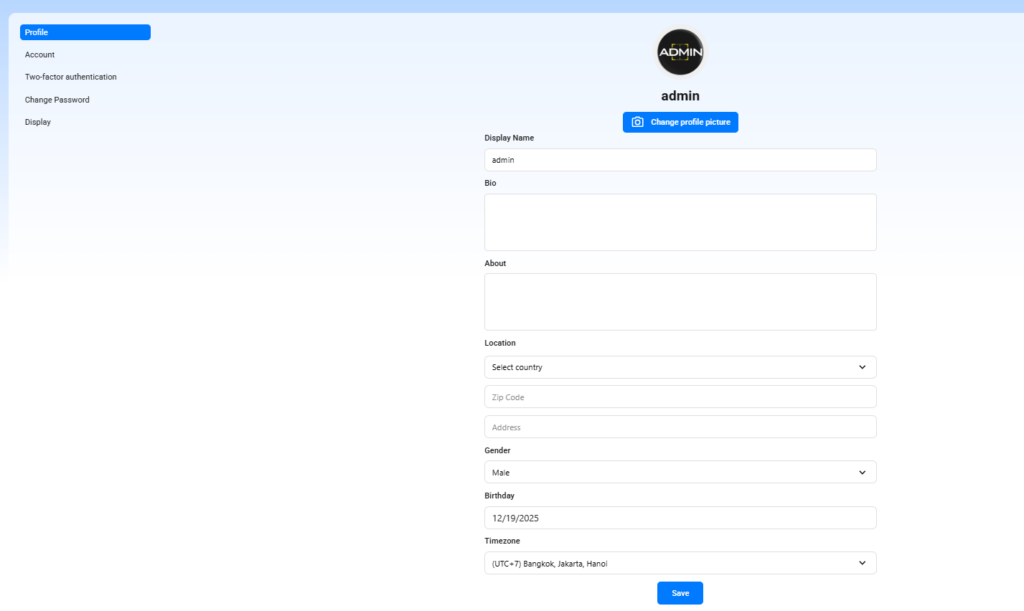
In the Profile section, you can update your public and personal details.
- Profile Picture
Click Change profile picture to upload a new avatar. - Display Name
The name shown publicly to other users. - Bio
A short personal description. - About
Additional information about yourself. - Location
- Country
- Zip Code
- Address
- Gender
- Birthday
- Timezone
Used to display contest times correctly based on your location.
After updating your information, click Save to apply changes.
Account Settings #
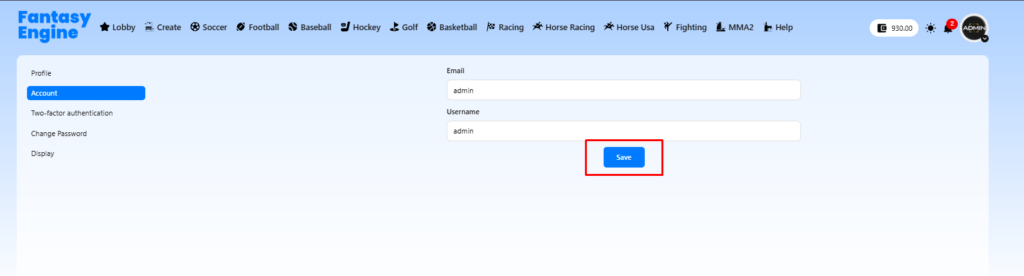
The Account tab lets you manage basic account credentials.
- Email address
- Username
Click Save after making changes.
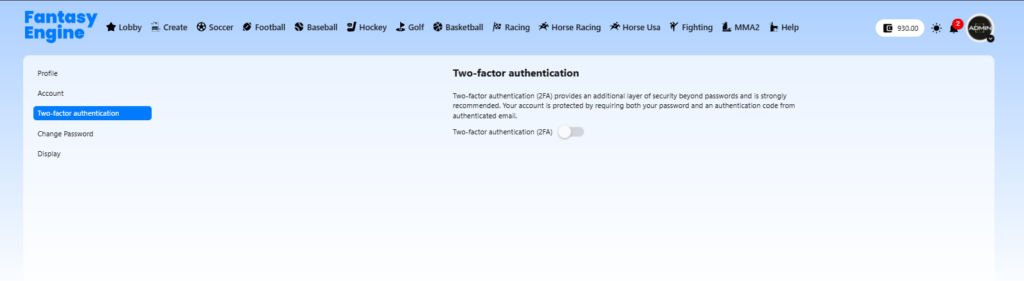
Two-Factor Authentication (2FA) #
The Two-factor authentication section helps protect your account with an extra security layer.
How it works:
- When enabled, you must enter your password
To enable or disable: here
✅ Strongly recommended for better account security.
Change Password #
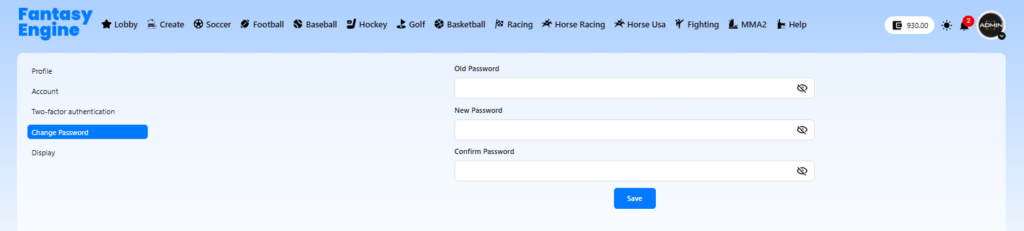
Use the Change Password section to update your login password.
Steps:
- Enter your Old Password
- Enter your New Password
- Confirm your New Password
- Click Save
🔐 Choose a strong password for better security.
Display Settings #
The Display section allows you to customize the appearance of the site.
Available options:
- Light mode
- Dark mode
- Use system setting

Select your preferred option and it will be applied immediately or after saving.


