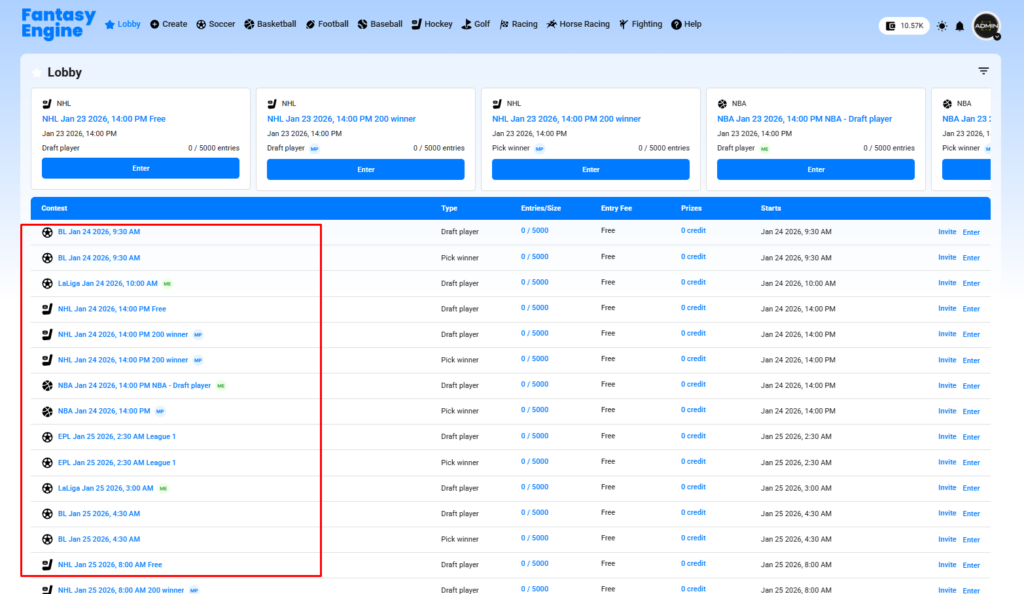
This guide explains how users can create a contest on the Fantasy Engine website.
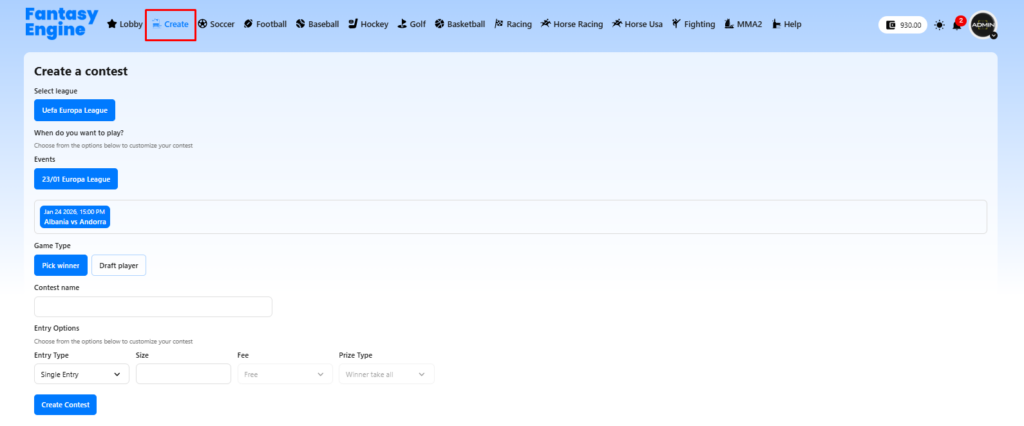
Step 1: Go to Fantasy Engine website
- Log in to your account
- Click Create in the top navigation bar
- Select Create a contest
Step 2: Select League
- Choose a league you want to play, such as:
- English Premier League
- Bundesliga
- LaLiga
- NBA, NHL, PGA, etc.
- Only available leagues will be shown

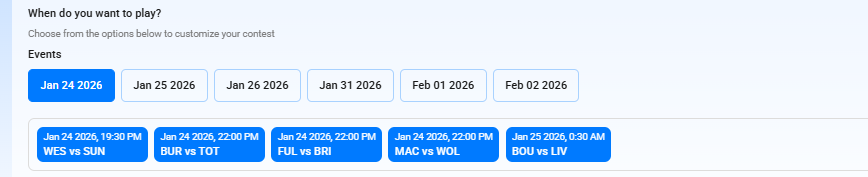
Step 3: Choose Event Date & Match
- Select the event date
- Choose one or multiple matches/events you want to include in the contest
Step 4: Select Game Type
- Pick Winner: Predict the winner of the selected match(es)
- Draft Player: Draft players and earn points based on performance

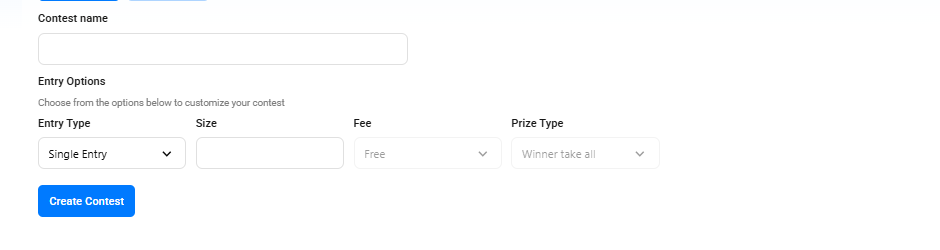
Step 5: Enter Contest Information
- Contest Name: Enter a name for your contest
- Entry Type:
- Single Entry (one entry per user)
- Multi Entry (multiple entries allowed)
- Size: Maximum number of participants
- Entry Fee:
- Free or paid (using site coins)
- Prize Type:
- Winner takes all
- Top three
- Multi payout
Step 6: Create the Contest
- Review all contest settings
- Click Create Contest
- Your contest will be created and available for other users to join
✅ Your contest is now ready!
Users can join the contest before the event starts and compete for rewards.